Queue management
A live OPD queue that patients can follow from their phone.
Each doctor’s OPD runs as a shift with a live queue. The desk sees who is consulting, who is next and how many are left; patients follow the same queue from a link.
Walk-in clinics rarely run on fixed slots. Patients arrive, take a number and wait without knowing for how long. In MedOS each practitioner’s OPD hours are set as shifts, with special days, holidays and vacations marked in advance, and walk-ins are booked into that day’s queue from the desk or from the self check-in QR at the door.
When a shift starts, Live OPD shows every running queue at once: who is consulting, how many are waiting, how many are done and the average wait. The doctor or the desk calls the next patient, and each patient’s status link shows who is being served now, their own position and their expected wait, so nobody has to stand at reception to ask.
What you get
- Shifts per doctor
- OPD hours, special days, holidays and vacations are set per practitioner, so the queue opens only when the doctor does.
- Live status link
- Patients see who is being served, their position and their wait time on their phone, with nothing to install.
- Every queue in one view
- Live OPD shows consulting, waiting and completed counts and the average wait for every running shift.
- Fees and follow-up rules
- Consultation charges and follow-up validity are set with the OPD hours, including a reduced fee for the same complaint.
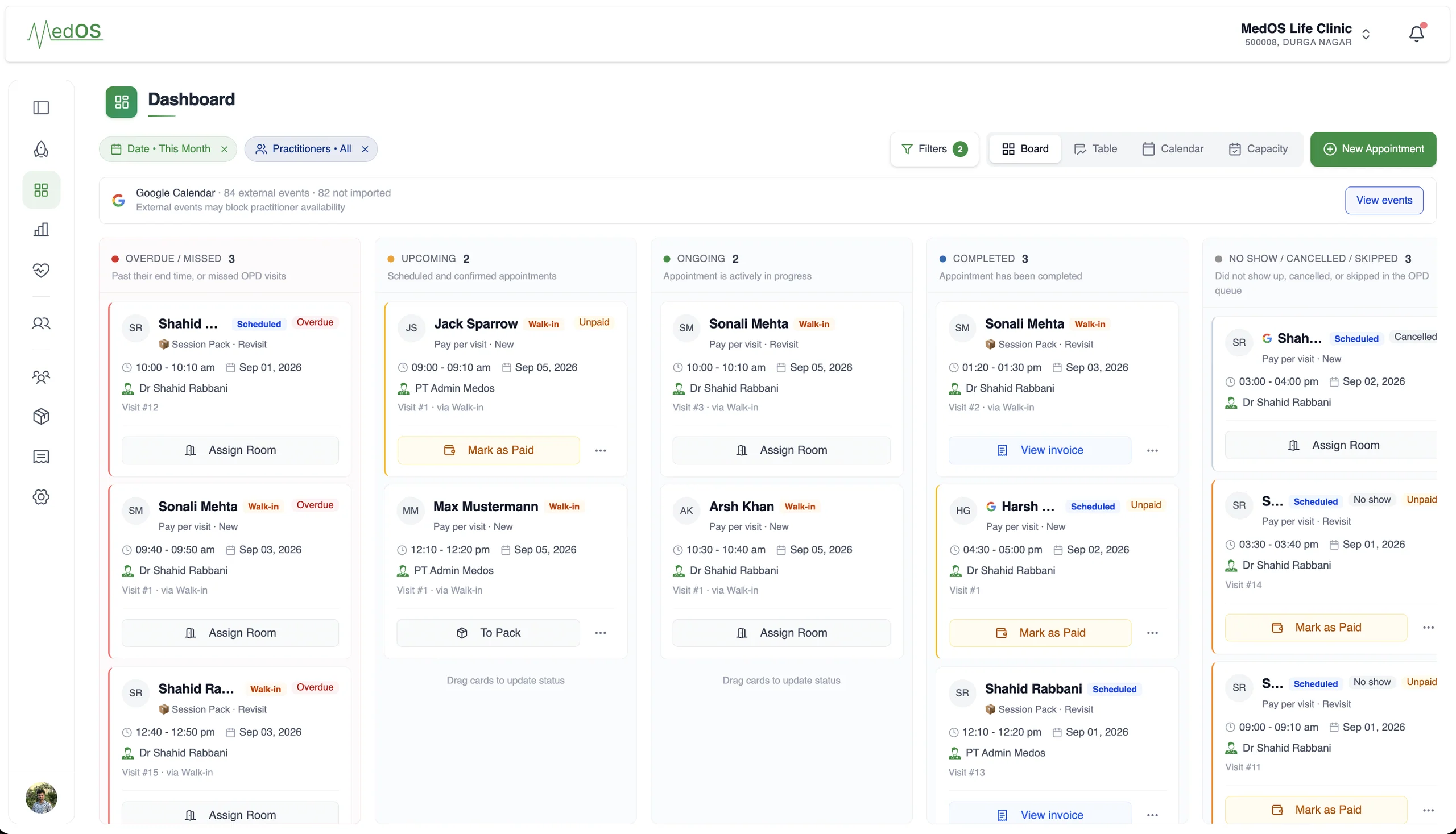
A snapshot of your entire practice.
Works with
- Self check-in
Patients verify who they are and book a slot or join the queue from their own phone. They are on the board before they reach the desk. Nobody re-enters a name.
Read more - Appointment board
Overdue, upcoming, ongoing and completed, per practitioner, with payment state on every card. The board is the front desk’s single screen.
Read more - Follow-up visits
A patient who came recently should not pay full price, or fight the booking form, to come back. MedOS knows who is eligible and offers the follow-up to them and to the desk.
Read more