Integrations
Clinic software integrations for calendars, messages, video and payments.
MedOS is available to clinics worldwide. Connect the calendar, messaging, video and payment tools your clinic uses, and check which services and payment methods are available for your country and accounts.
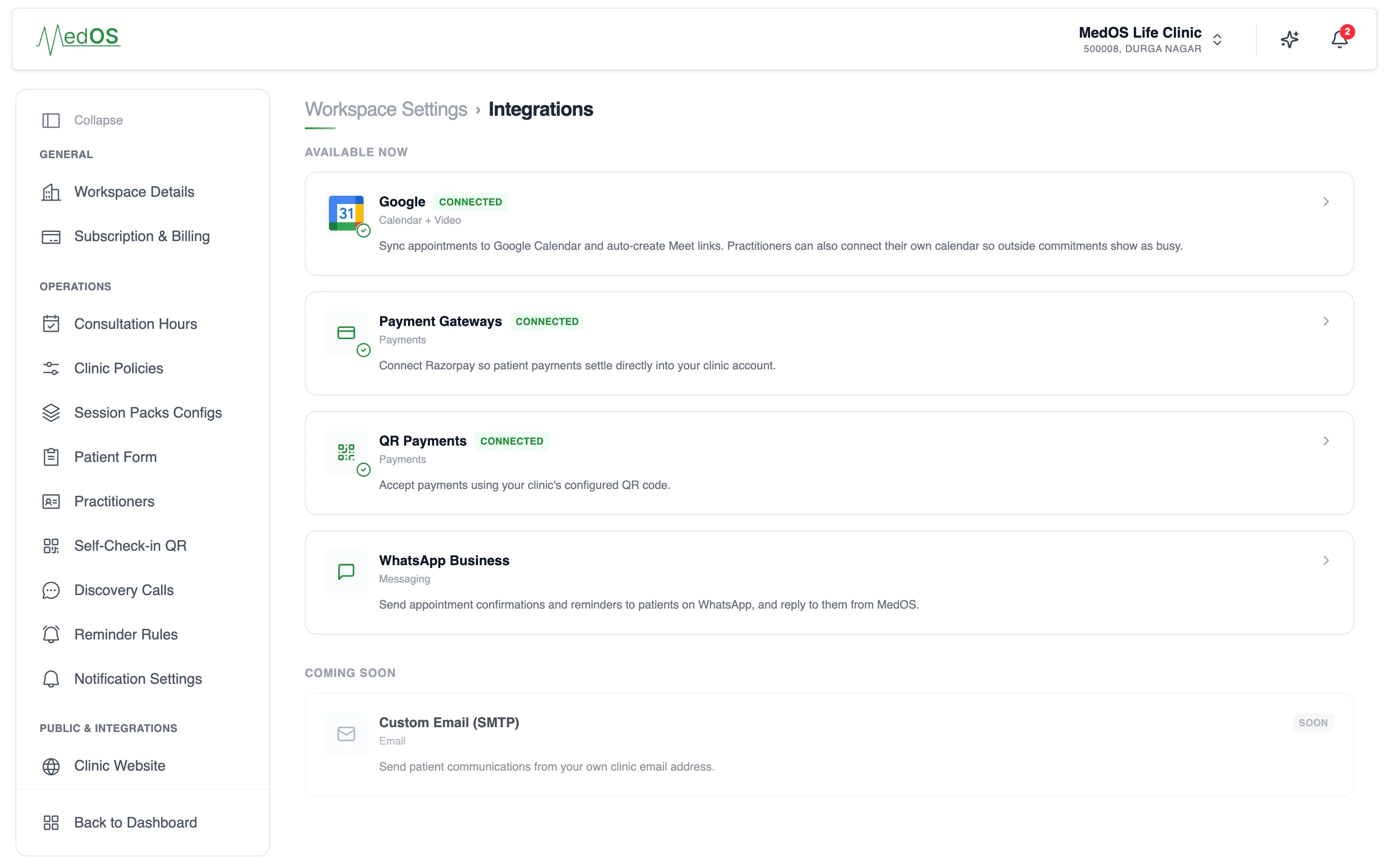
MedOS supports integrations for clinic communications, scheduling, online consultations and payments for practices worldwide. Workspace admins can connect WhatsApp Business, Google Calendar, Google Meet, Zoom and supported payment methods from settings. The exact setup, provider availability and payment methods can vary by country, provider account and workspace; review the individual guides before connecting an account.
Google Calendar has separate workspace and practitioner connections; it is not a single unrestricted two-way sync. Where Razorpay is available for the clinic’s account, the gateway confirms online payments. A payment made by scanning the clinic’s own QR stays pending until staff verify it. MedOS does not hold payment funds.
What you get
- WhatsApp Business
- Connect the clinic’s own WhatsApp Business account. Meta-approved templates can send confirmations, reminders, reschedule and cancellation messages; sent messages are logged on the patient record. Meta may charge the clinic for conversations. WhatsApp setup guide
- Google Calendar
- MedOS appointments are written to the practice workspace calendar. A practitioner can separately connect a read-only calendar so busy events block booking availability; changes to imported events are surfaced for review. Google Calendar setup guide
- Google Meet
- Online appointments can include a Google Meet link, so the patient and practice can join the visit without manually copying a meeting URL. Google Meet setup guide
- Zoom
- Create Zoom meeting links for online appointments through a connected account. Zoom integration guide
- Razorpay
- Take online payments through an eligible Razorpay account. Availability and supported payment methods depend on the clinic’s country and Razorpay account; the gateway confirms payments and settles funds to the clinic’s connected account. Razorpay setup guide
- Clinic payment QR
- Display the clinic’s own payment QR during booking. Patients need a compatible payment app or bank service; staff must verify receipt and mark the visit paid. UPI is one regional QR payment option. QR payment setup guide
- Developer API and booking widget
- Use the Developer API to connect a custom system, or add the JavaScript booking widget to your existing website. These tools are for custom integrations and may require development work. Developer resources
Works with
- Google Calendar sync
The workspace calendar publishes clinic appointments. A practitioner can separately connect one read-only calendar so busy events affect booking availability.
Read more - Video consultations
Patients choose an online visit when they book. The meeting is created for the appointment, and the visit sits on the same board and record as everyone in the waiting room.
Read more - Payments
MedOS is available worldwide, with payment options that fit your clinic’s country and provider accounts. Offer online payment through an eligible gateway or display your clinic’s own payment QR.
Read more - Online booking
A patient books from your website, a shared link or a QR at the door. The booking lands in the upcoming column of the board with nothing re-typed at the desk.
Read more