Self check-in
Patient self check-in that puts them on the board before the desk does.
Patients verify who they are and book a slot or join the queue from their own phone. They are on the board before they reach the desk. Nobody re-enters a name.
The queue at reception is mostly people saying their name and phone number to someone who types it into a register. MedOS self check-in moves that onto the patient’s own phone. They open a branded page from the QR at the door, a link, or a button on your website, verify their number or email with a one-time code, and either pick a free slot or join the day’s queue.
The visit lands on the board straight away: as a scheduled appointment, or as a waiting patient with a token and a live position they can watch on their phone. Because the booking is tied to a verified patient rather than a paper form, there is nothing to reconcile later. The same visit carries the consultation and the payment.
What you get
- Three ways in
- A self check-in button on your site, a printable QR for the door that you can rotate, and a shared link.
- OTP-verified
- Patients confirm their phone number or email, so a booking is always attached to the right person.
- Slot or queue
- A scheduled practitioner offers slots; a queue practitioner hands out a token with a live position and wait time.
- Branded to your clinic
- Your logo, name and colours on every screen. Patients are in your practice, not in a third-party app.
Self check-in
Give patients a faster way into your practice.
Patients put themselves on the board before they reach the reception desk. Print the self check-in QR for the door, connect it to your website, or send the link. Patients verify who they are with a one-time code, then book a slot or join the day’s queue. The front desk sees them appear.
- Your websiteA self check-in button on the site you already have
- QR at the doorPrintable, and replaceable if a copy goes missing
- Shared linkSent on WhatsApp, or pasted anywhere
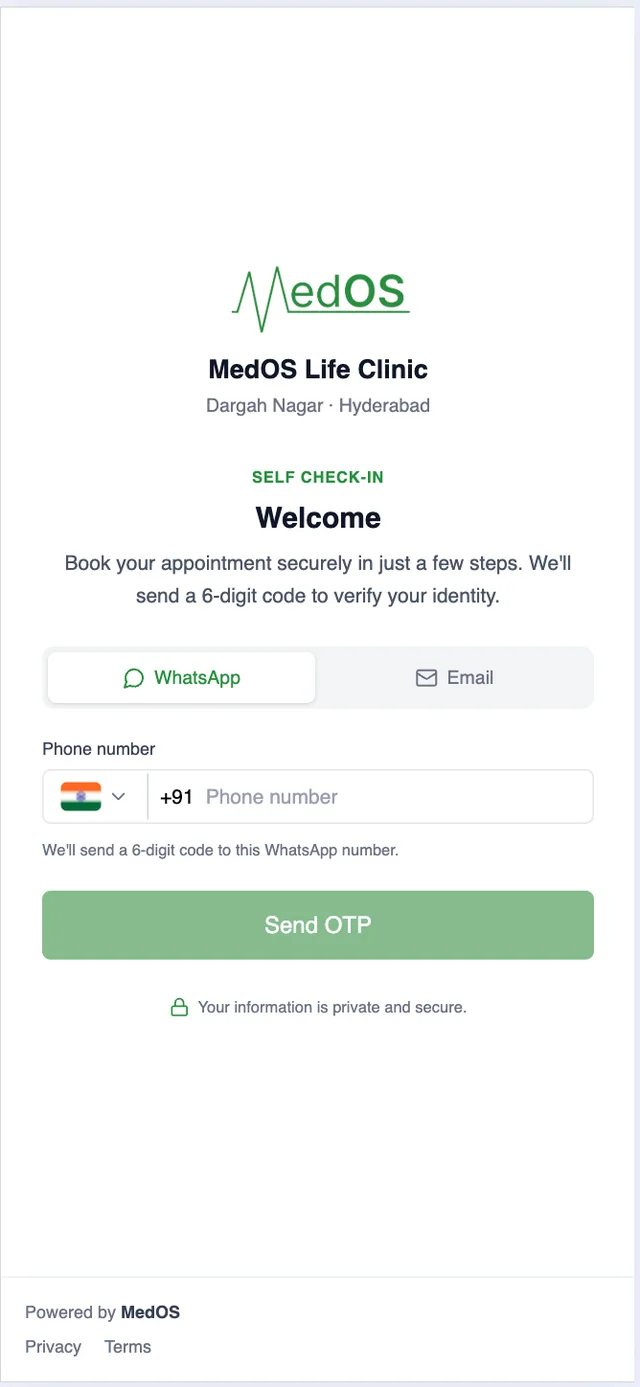
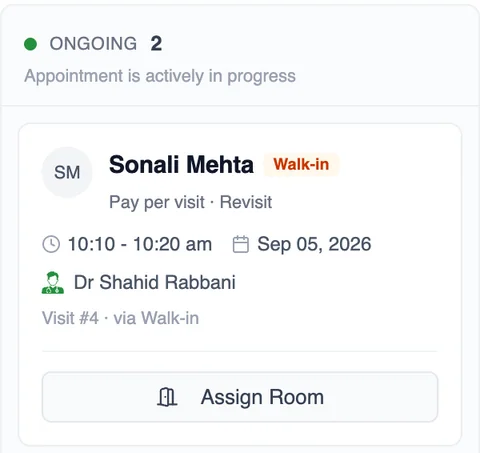
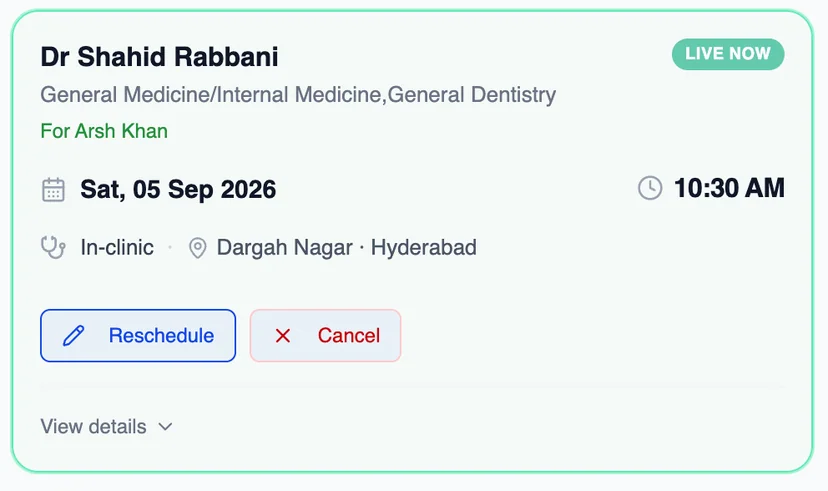
The booking lands on the board as a scheduled visit or a queue token. Nobody re-enters a name at the desk.
Works with
- Appointment board
Overdue, upcoming, ongoing and completed, per practitioner, with payment state on every card. The board is the front desk’s single screen.
Read more - Online booking
A patient books from your website, a shared link or a QR at the door. The booking lands in the upcoming column of the board with nothing re-typed at the desk.
Read more - Payments
Online through Razorpay, or with the payment QR your clinic already has at reception. Both are part of the same patient payment step, and both settle in the clinic’s own account.
Read more